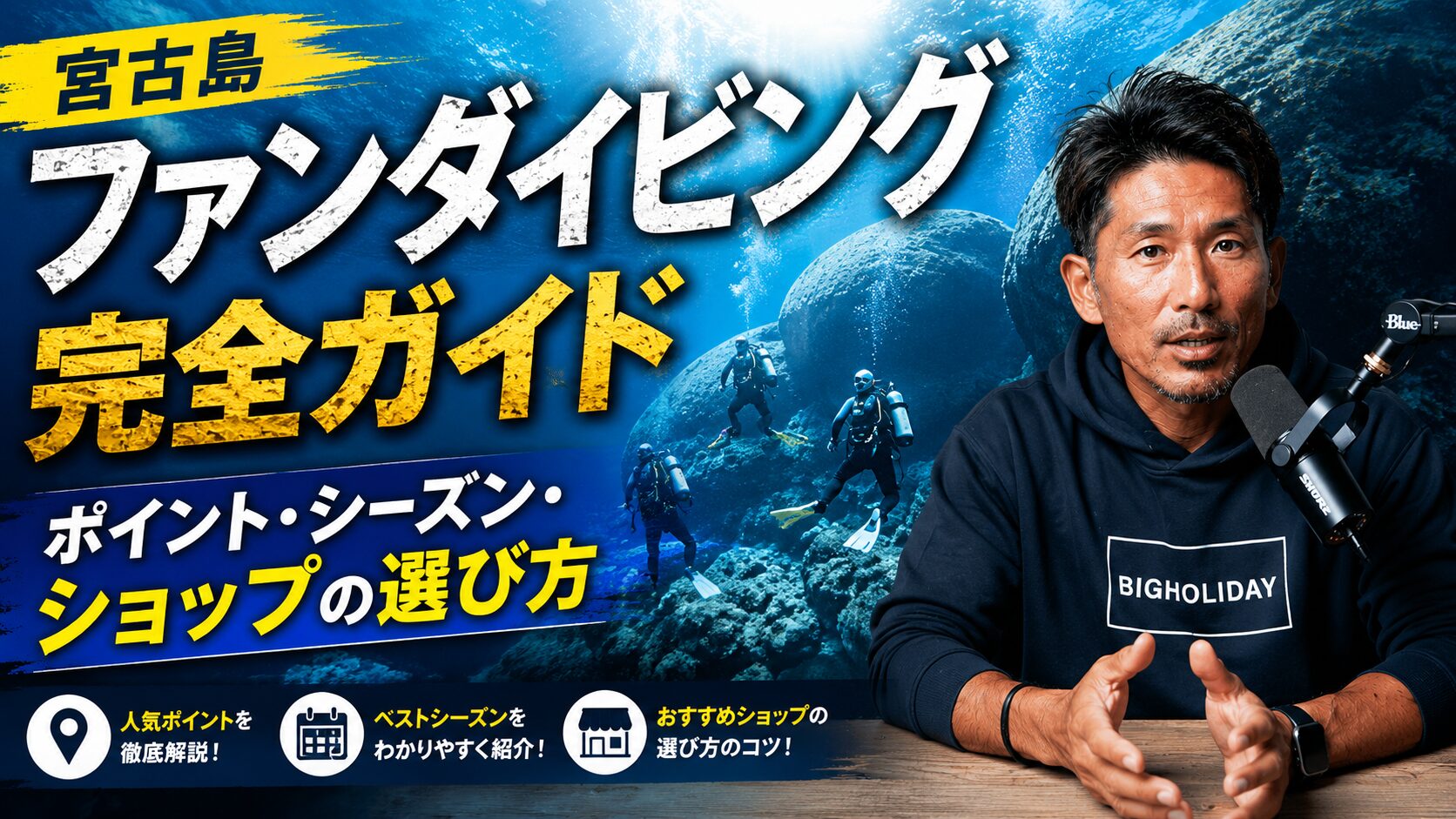
It's nice to burn the beautiful ocean into your memory, but I'm sure there are many people who would like to keep a record of it so they can look back on it later.
For those who want to capture beautiful scenery in vivid detail, we recommend the GoPro, which allows you to easily take underwater photos.
Here, we will explain some tips for taking beautiful underwater photos with a GoPro and things to be careful of when taking photos.
■Why is GoPro good for underwater photography?

Why is GoPro, which is often used for underwater photography while diving, so popular?
Here we will explore why GoPro is said to be good for underwater photography.
・Small and easy to carry
When you think of a professional camera, you might imagine it to be large and heavy, but the GoPro is small and easy to carry around.
It's palm-sized, so you can take underwater photos without having to carry a camera.
Also, carrying a large camera may make underwater creatures wary, but a GoPro is not conspicuous, so this is not a problem.
・Beautiful image quality and wide shots
Recently, the quality of smartphone cameras has improved, and more and more of them are capable of taking wide-angle shots.
However, GoPro can shoot in high quality at up to 1200 megapixels, and its ultra-wide-angle camera means it can capture the scenery right in front of you, which is another attractive feature.
It can not only take videos but also photos, so with just one GoPro you can capture a variety of moments.
Highly waterproof
The GoPro is a waterproof camera, so you can take pictures without a waterproof case.
The depth of waterproofing varies depending on the series, but it can be used to take photos up to 10m.
■Tips for taking good photos with GoPro

Next, let's take a look at some tips for using your GoPro effectively when taking underwater photos.
-Incorporate mounts
If you hold a GoPro in your hand while taking pictures because it is small and easy to carry, there is a risk that it will slip out of your hand and get lost.
Also, your hands may shake underwater, causing the beautiful scenery to become blurred.
In such cases, you can use an item called a mount to secure your GoPro and prevent it from getting lost or shaking, allowing you to take better photos.
There are various types of mounts, some that attach to the end of the GoPro like a selfie stick, and some that attach to your wrist.
- Use a waterproof housing when shooting in deep places
It is waterproof up to a depth of 10m, so there is no problem, but if you want to shoot at deeper depths, you will need to use a case called a "waterproof housing."
By attaching a waterproof housing, you can take beautiful photos even at great depths, making it an essential item for advanced divers.
■Points to note when shooting with GoPro
Finally, we will list some things to keep in mind when shooting with a GoPro, so if you want to use your GoPro comfortably, be sure to check it out.
・Housing becomes cloudy when heated
If you continue recording for a long time, the GoPro will heat up and the screen will become cloudy if you attach a housing.
To prevent the camera from overheating, avoid taking pictures continuously for long periods of time and turn off the power frequently.
If you want to reduce fogging, you can use a moisture-absorbing sheet to reduce humidity and take clear photos.
・Be careful not to run out of battery
The GoPro is easy to use and convenient, but because it can be used to shoot not only underwater but also on land, the battery runs out quickly.
Be sure to bring a spare battery so you don't run out of power just when you're ready to take a great picture.
The GoPro is compact, high-quality, and highly waterproof, making it an excellent item for underwater photography.
To take great photos with your GoPro, it is recommended to use a mount or housing.
Shooting for long periods of time can cause the camera to overheat and the battery to run out, so it's important to turn off the power frequently.
If you're taking photos outside of the water, don't forget to bring spare batteries and capture lots of fun memories with your camera.

Totty — Owner and Dive Guide, BIGHOLIDAY
Based on Miyako Island since 2005 and specializing in fun diving. About 20,000 dives logged around Miyako Island, including more than 150 trips a year to the island’s three signature dive sites. Shares Miyako Island diving on the YouTube channel “Totty / scuba diving” (13,000 subscribers).
Ranked in Marine Diving magazine’s national dive shop awards three years in a row since 2023.
2023: Commandant’s Award from the Japan Coast Guard for a sea rescue
2025: Found Miyako Island’s first manta cleaning station